Welcome to Dynamic Website
Dynamic websites generate real-time content based on user interactions or database queries, providing personalized or frequently updated information. They often use server-side scripting and integrate with databases.
1 : Introduction to Parallax Design
Introduction to parallax scrolling
Benefits and use cases
Analyzing parallax websites for inspiration
Setting up the project in Framer
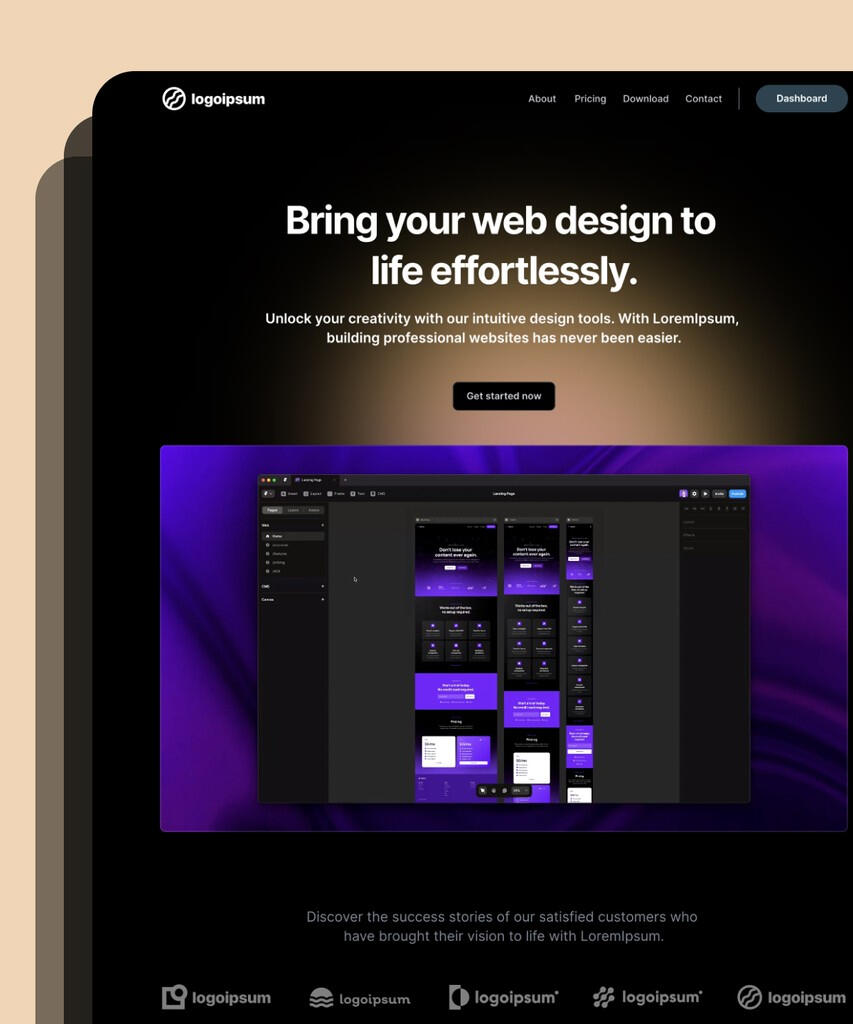

2 : Designing the Layout
Creating the design concept
Designing individual sections
Importing and arranging assets in Framer
Establishing the base layout
3 : Implementing Parallax Scrolling
Understanding layers and animation in Framer
Adding scroll events
Creating the parallax effect for each section
Testing and refining the scrolling animation.
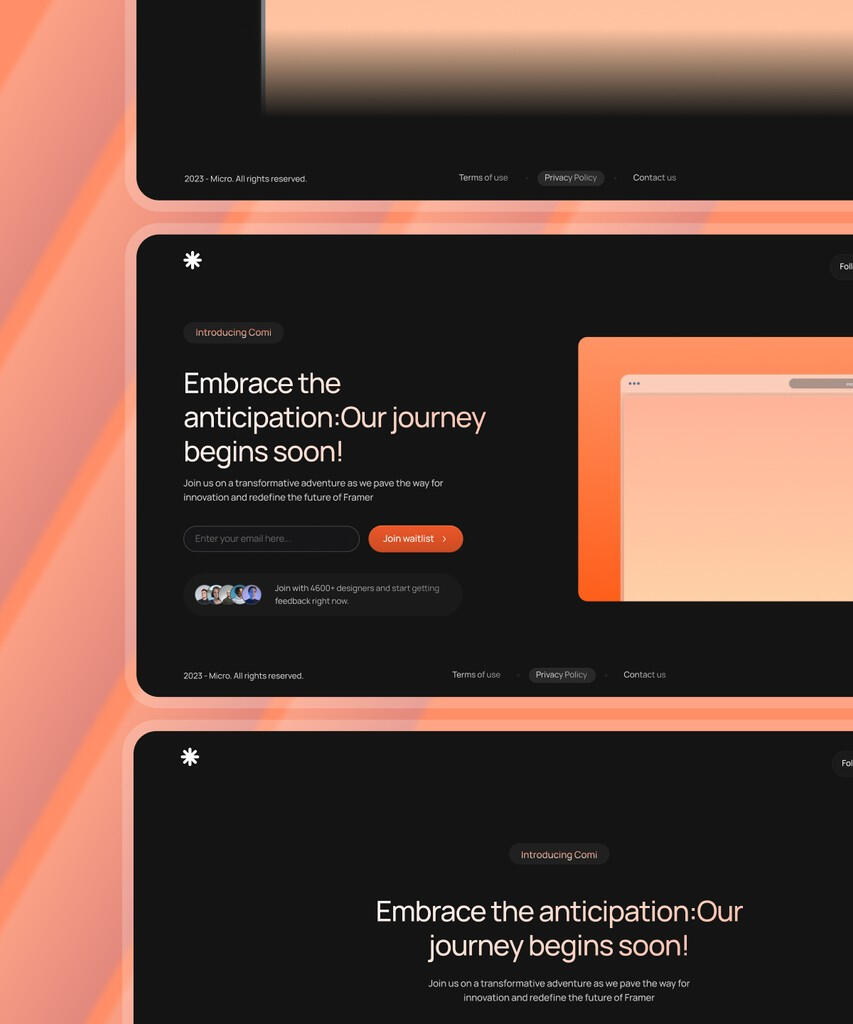
4 : Interactivity and Navigation
Adding navigation elements (e.g., menu, buttons)
Implementing smooth scrolling between sections
Incorporating interactive elements (e.g., buttons, hover effects)
Testing and fine-tuning user interactions

5 : Responsive Design
Understanding layers and animation in Framer
Adding scroll events
Creating the parallax effect for each section
Testing and refining the scrolling animation.
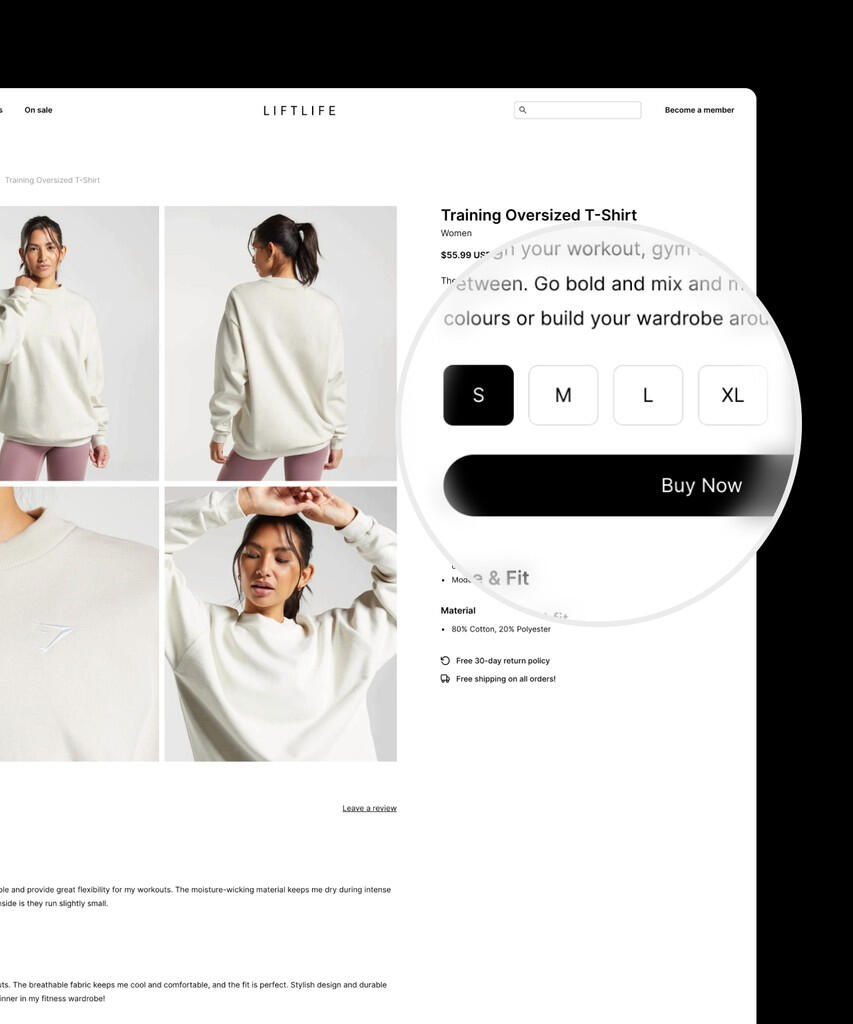
6 : Finalizing the Project
Debugging and optimizing performance
Adding any additional features or animations
Exporting the prototype for sharing or further development
Preparing documentation and a demo video
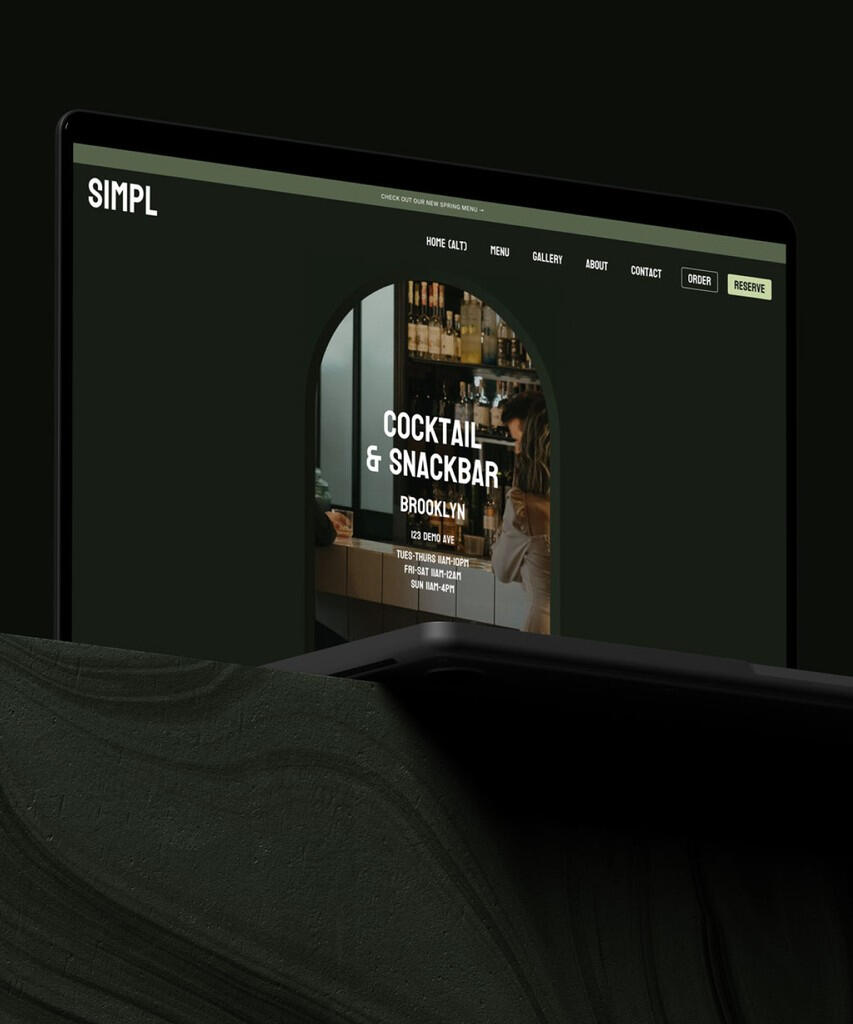
Do you want DigitalSwift To take care of all this for you?
DigitalSwift will take care all your business marketing needs that includes:
• Creating a stunning Website
• Search Engine Optimization (SEO)
• Social Media Marketing
• Pay-Per-Click (PPC) Advertising
• Content Marketing and Email Marketing
• Analytics and Reporting
© Untitled. All rights reserved.